Website status
See whether your website is online, and how much of your plan you're using.

Every Plumo customer gets the free Plumo app: your enquiries, your change requests and how your website is doing.
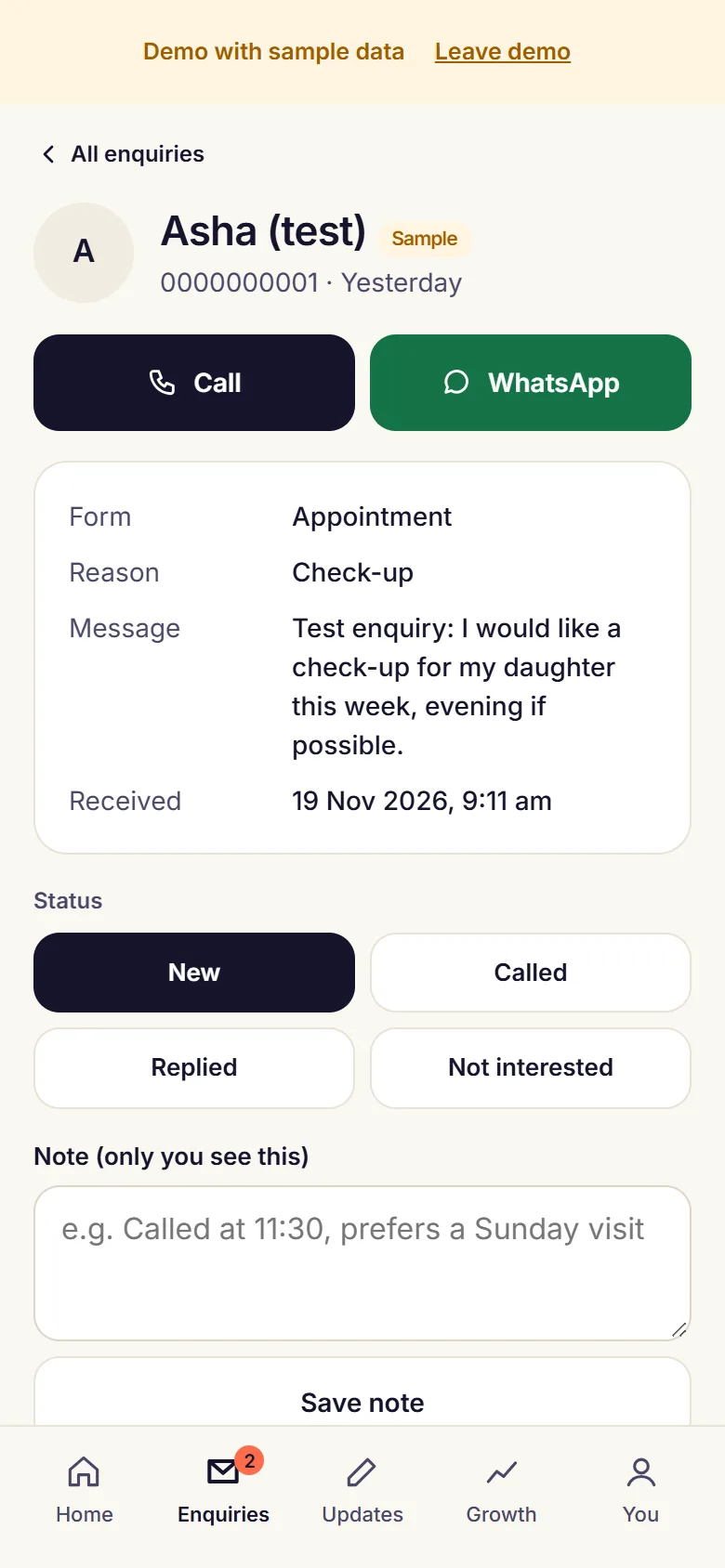
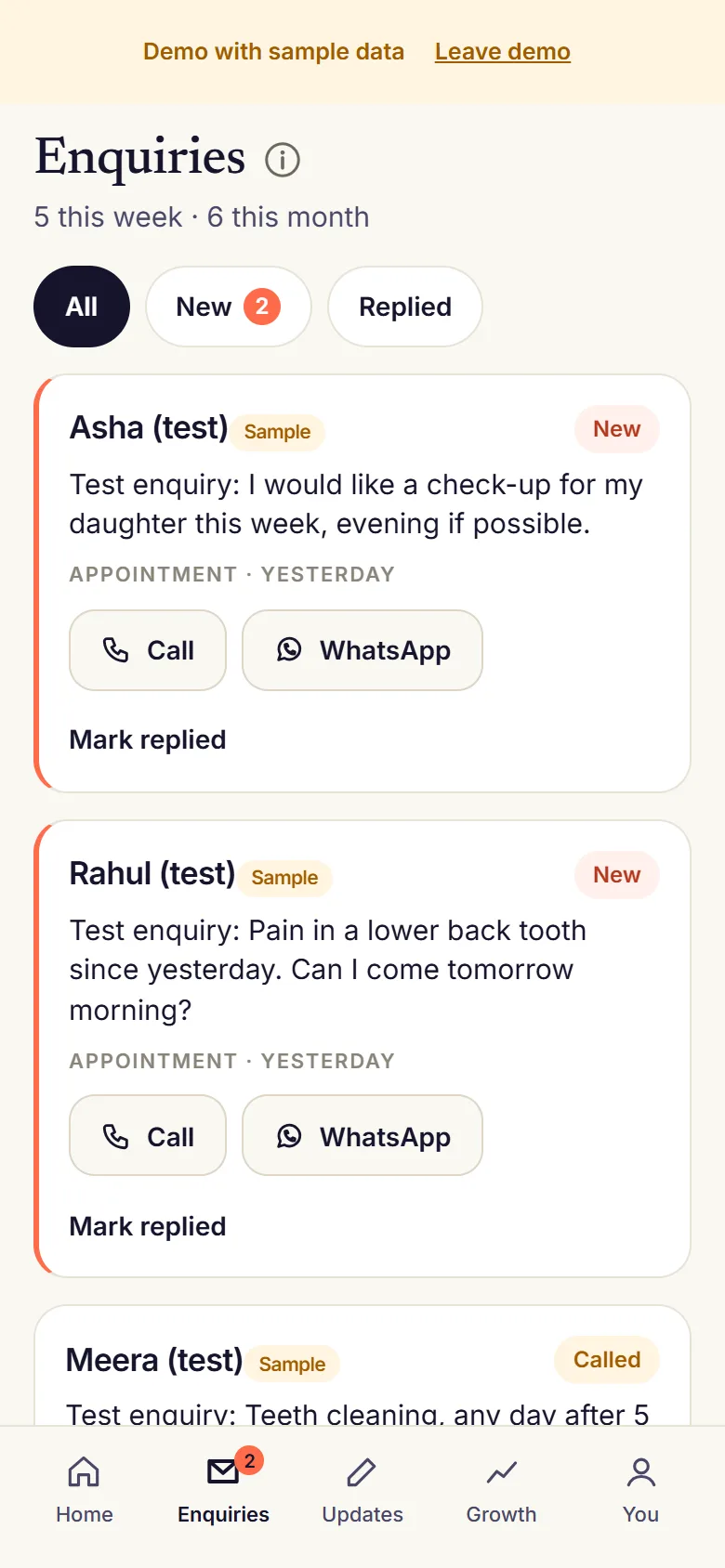
Enquiries from your website appear here (and by email too, if you'd like). Call or WhatsApp back, mark where each one stands, and add your own note.
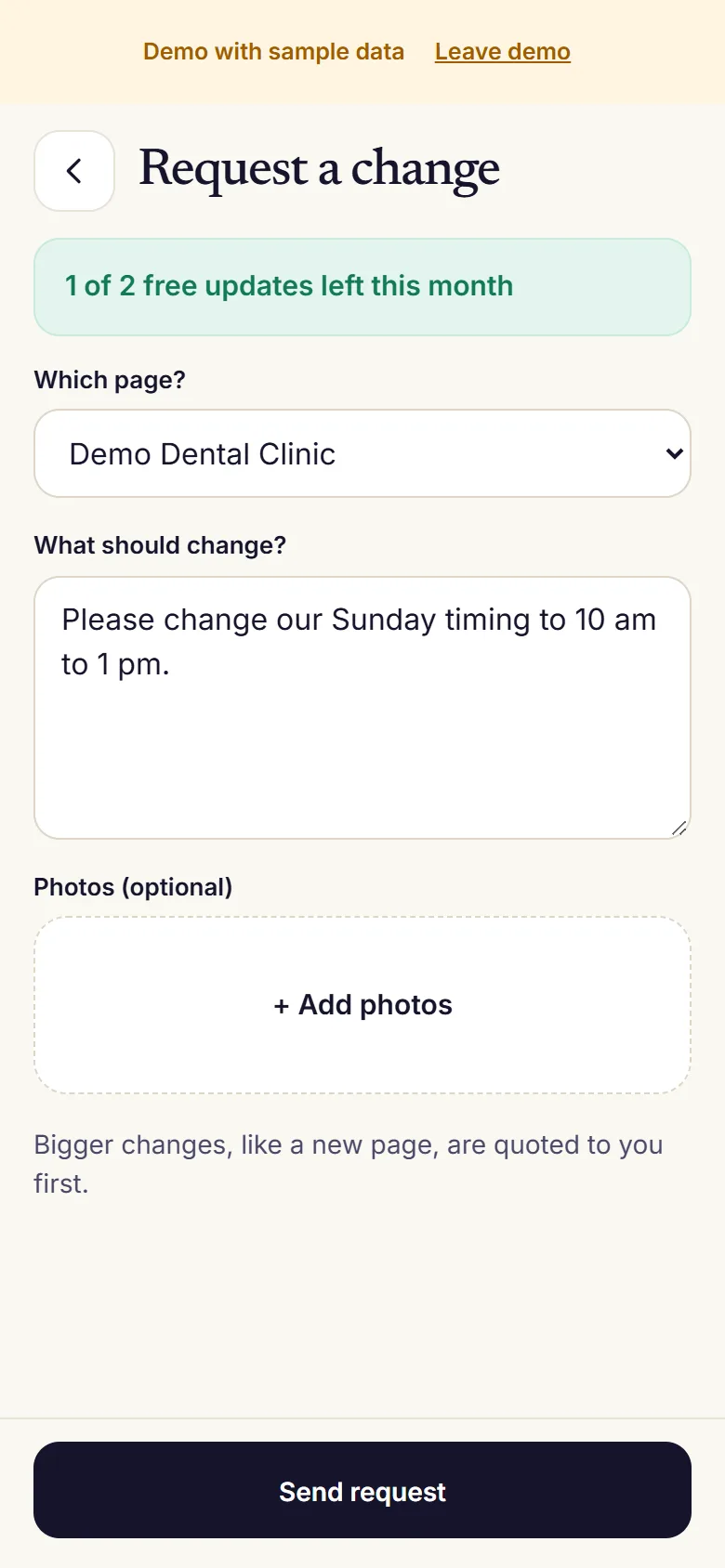
Write what you want in your own words and add photos. The app shows the updates you've used this month.
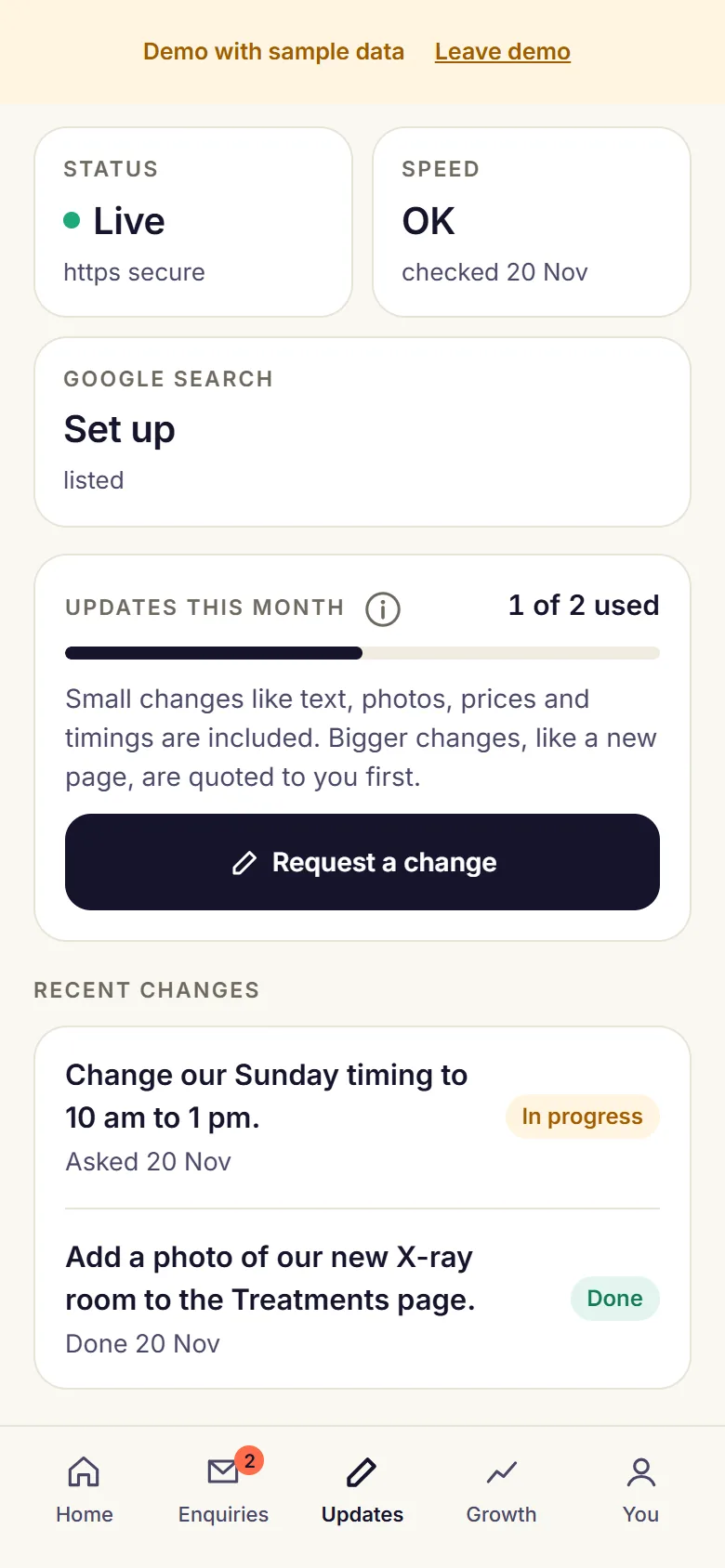
We check every request and make the change on your website. You see it move from In progress to Done. Nothing changes on your website without our team.
About monthly updates →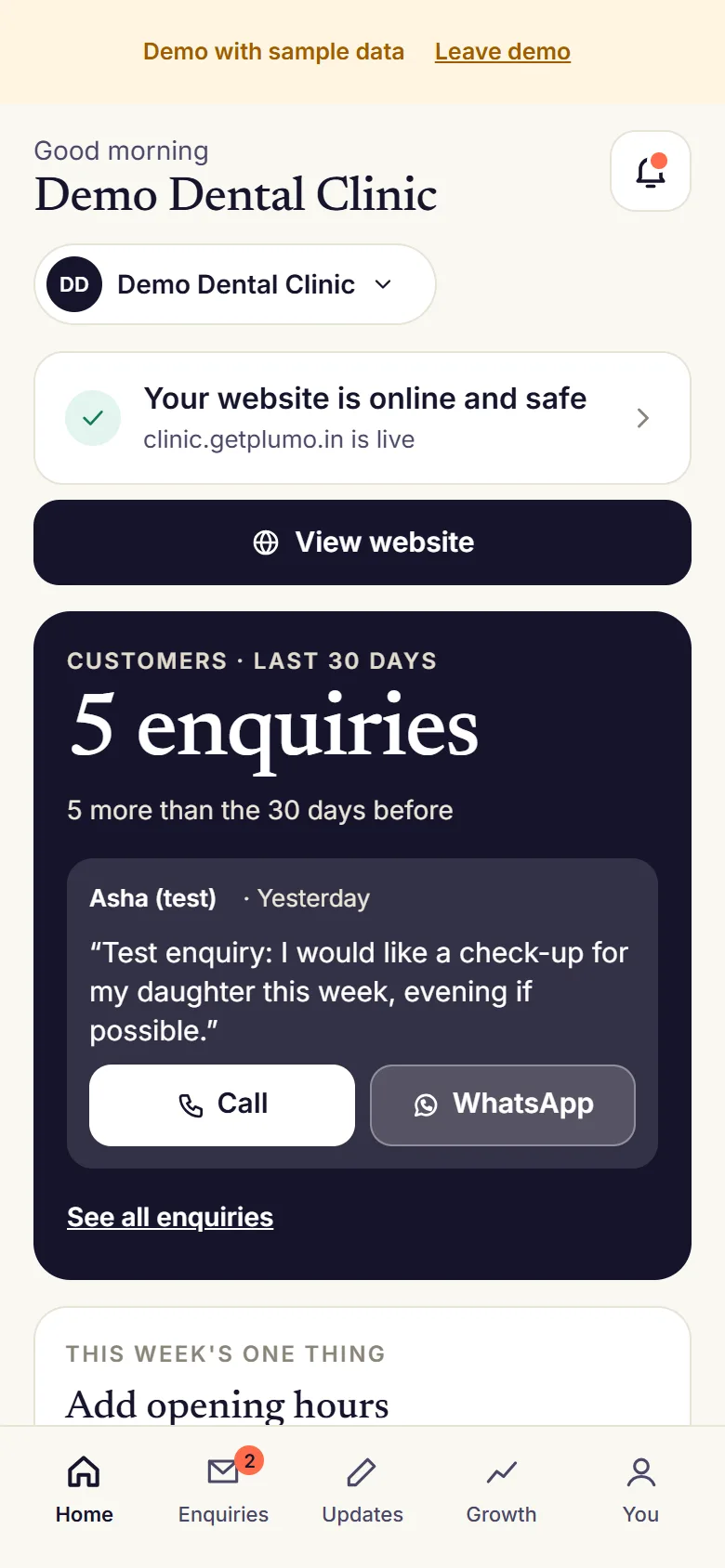
The last 30 days at a glance: visits, enquiries, WhatsApp and call taps, and where visitors come from.
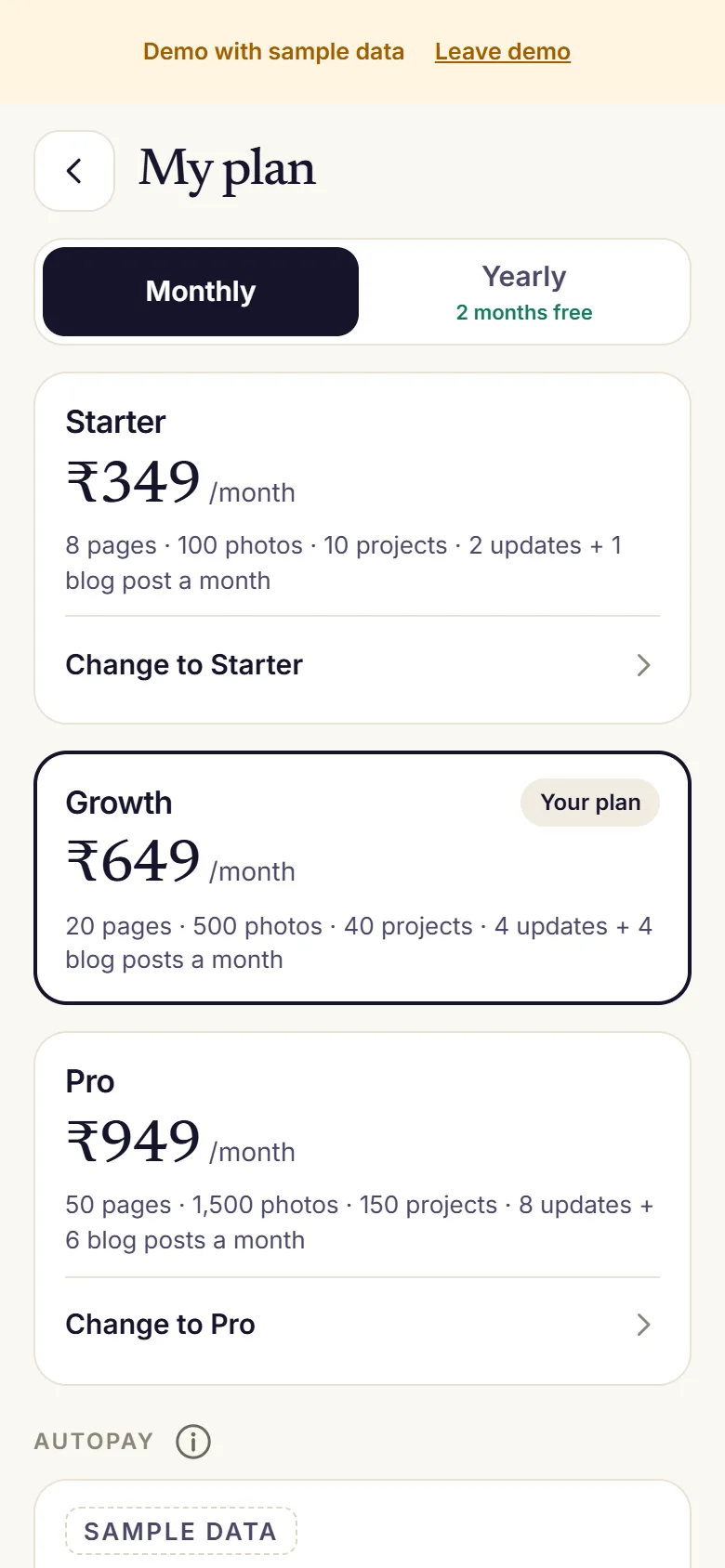
Your plan, your next payment date and every bill. Move to a bigger plan, or ask to move to a smaller one or stop, from My plan.
Also in the app
See whether your website is online, and how much of your plan you're using.
The steps for your domain company, a connection check, and a reminder before renewal.
Choose which alerts you want, such as new enquiries.
Write to our team. Ask for a copy of your data or to delete your account; we handle these by hand.
Screens from the Plumo app demo, with sample data.
Enquiries belong to you. The names, phone numbers and messages your customers send are visible only to you and the people you add to your account. Our team doesn't see them: when you ask us for a change, contact details are removed from the request before it reaches us. See our privacy policy and how to delete your account.
Free with every plan. Once your website is ready, we invite you by WhatsApp or email. Open app.getplumo.in on your phone and sign in with a one-time code; there's no password to remember.
Just looking? Open app.getplumo.in and tap “Just looking? Try the demo”.
Questions
In the Plumo app, open Updates and tap "Request a change". Write what you want in your own words and add photos if needed. Our team checks it, makes the change and marks it Done.
Yes. The Plumo app comes free with every plan. Once your website is ready, we invite you, and you sign in with a one-time code; there's no password to remember.
Plumo is a managed service, so our team makes the changes for you. Ask in the Plumo app and we'll do it. Nothing new goes live on your website without your OK.
No. Enquiries from your website go only to you and the people on your account. When you ask us for a change, contact details are removed from your request before our team sees it.